
Adjustable Standing Desks
Discover the perfect balance between comfort and productivity with our premium adjustable standing desks designed for dynamic workspaces in Cyprus. These versatile desks empower you to customize your working height throughout the day, seamlessly transitioning from sitting to standing positions with ease. Whether you’re furnishing a home office in Paphos, equipping a startup in Nicosia, or upgrading your workspace in Limassol, our collection offers solutions that adapt to your body, your tasks, and your workflow. Experience the freedom of a workspace that moves with you, supporting better health and enhanced focus from morning until evening.
Showing all 2 resultsSorted by popularity
-
-36%IN STOCK
 IN STOCK
Standing Desks, Furniture, Home and Kitchen
Original price was: 279,99 €.179,99 €Current price is: 179,99 €. Add to basket -
-35%IN STOCK
IN STOCK
Home and Kitchen, Furniture, Standing Desks
Original price was: 229,99 €.149,99 €Current price is: 149,99 €. Add to basket
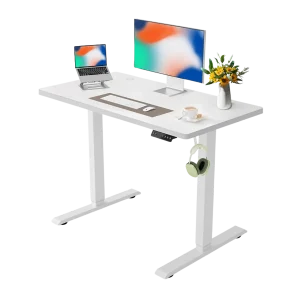

Showing all 2 resultsSorted by popularity
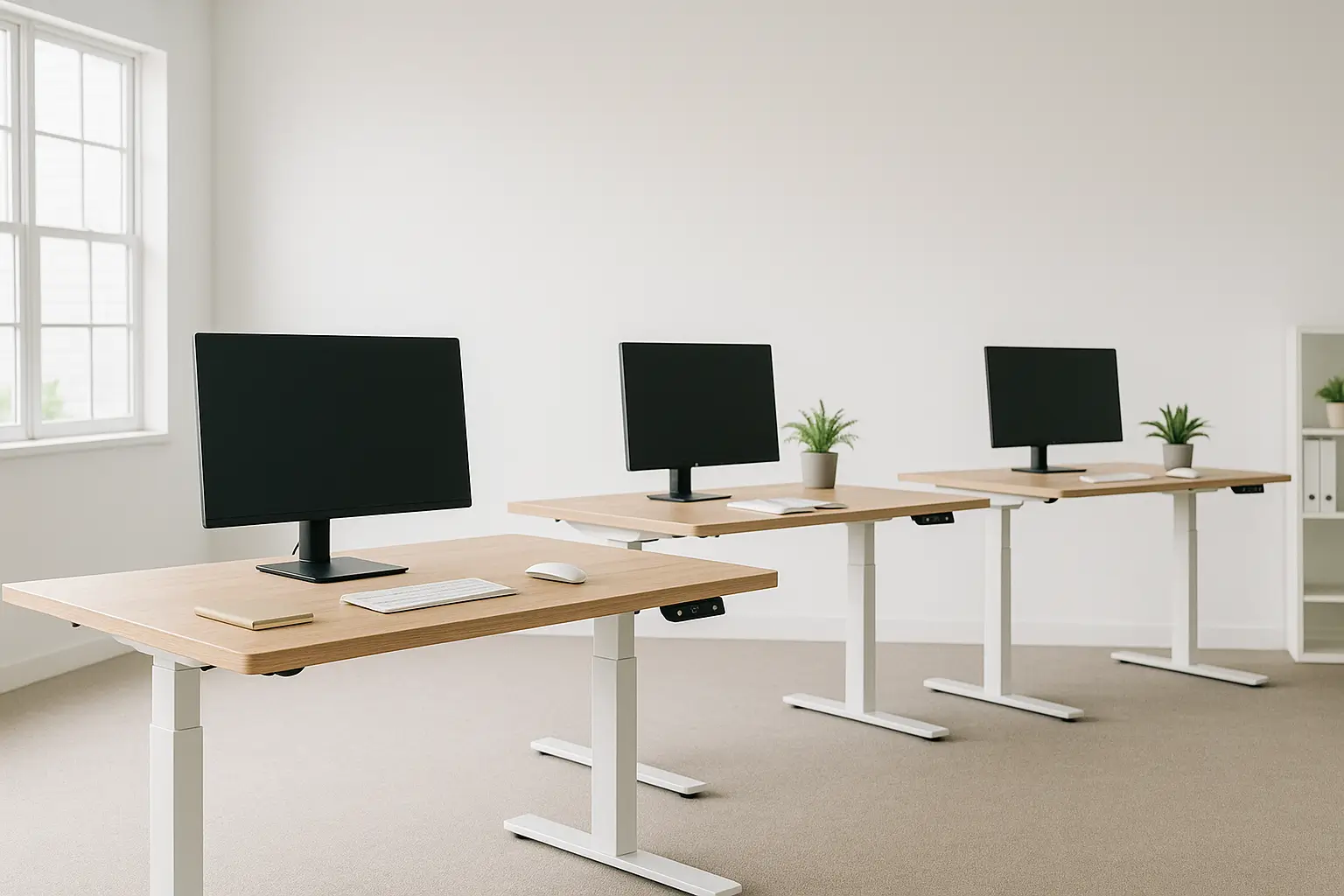
The Power of Height Customization in Your Workspace
The modern workplace demands flexibility. Gone are the days when one desk height served everyone, or when you had to accept whatever standard dimensions came from the factory. Adjustable standing desks represent a fundamental shift in how we approach workspace ergonomics, recognizing that every body is different and that our needs change throughout the day.
These intelligent workstations allow you to set your ideal working height whether you’re sitting, standing, or somewhere in between. For professionals across Cyprus who spend significant hours at their desks, this customization isn’t just about comfort; it’s about maintaining long-term health, sustaining energy levels, and creating an environment where you can perform at your best.
Understanding Height Adjustment Mechanisms
Electric Motor Systems
Electric adjustable desks use one or more motors to raise and lower the desktop smoothly and effortlessly. Single-motor systems are budget-friendly and work well for lighter setups, while dual-motor configurations offer superior stability, faster adjustment speeds, and higher weight capacities. Premium models feature whisper-quiet motors that won’t disturb video calls or focused work sessions.
The convenience of electric systems shines through in their programmable memory settings. Most models include 2-4 preset buttons that remember your preferred heights. One touch takes you instantly to your saved sitting position, another to your standing height. This effortless switching encourages more frequent position changes throughout your day, maximizing the ergonomic benefits.
Manual Adjustment Options
Hand-crank mechanisms offer a reliable, electricity-free alternative for height adjustment. These systems use a simple mechanical advantage to raise and lower your desktop. While they require a bit more effort than electric models, quality crank systems operate smoothly and provide precise height control. They’re excellent choices for workspaces without convenient electrical access or for those who prefer mechanical simplicity.
Pneumatic gas-lift systems, similar to those in office chairs, allow for quick height adjustments using a lever. These work well for lighter desks and offer a middle ground between manual cranks and electric motors in terms of ease and cost.
Counterbalance Systems
Some premium adjustable desks use counterbalance technology, where springs or other mechanisms offset the weight of the desktop. This makes manual adjustment nearly effortless while maintaining the reliability of a non-electric system. These are particularly popular in settings where multiple users of different heights share workstations.
Key Features That Define Quality Adjustable Desks
Extensive Height Range
The best adjustable standing desks accommodate users from approximately 160cm to 195cm tall comfortably. This typically means a height range spanning from around 62cm at the lowest position to 127cm at the highest. When evaluating options, consider who will use the desk. Shared workspaces benefit from maximum range, while individual users can focus on models that excel within their specific height requirements.
Smooth and Stable Movement
Quality adjustment mechanisms move steadily without jerking or swaying. This smoothness protects your equipment during transitions and ensures your coffee cup won’t tip over when you adjust height. Stability at all heights, particularly when fully extended, indicates solid engineering. Look for models with reinforced crossbears, wide leg spreads, and robust construction that minimize wobbling even when you’re typing energetically.
Collision Detection and Safety Features
Advanced electric models include sensors that detect obstacles during height adjustment. If the desk encounters resistance while lowering, it automatically stops and reverses slightly, protecting children, pets, cables, or objects that might be underneath. This safety feature provides peace of mind, especially in busy households or offices.
Speed of Adjustment
Electric desks vary in how quickly they transition between heights. Most quality models adjust at 25-38mm per second. Faster isn’t always better; extremely rapid movement can destabilize items on your desk. The sweet spot is quick enough to encourage frequent adjustments but controlled enough to keep your workspace secure.
Memory Programmability
Being able to save your preferred heights transforms how you use an adjustable desk. Without presets, you might avoid changing positions because finding the right height takes trial and error each time. With memory settings, transitioning becomes so simple that you’ll naturally alternate positions more frequently, multiplying the health benefits.
Choosing the Right Desktop Configuration
Size Considerations for Your Space
Measure your available space carefully before selecting a desktop size. Standard widths range from 100cm for compact setups to 200cm for expansive workstations. Depth typically varies from 60cm to 80cm. Consider your equipment: dual monitor setups, laptops, external keyboards, notepads, and desk accessories all require surface area. In smaller Cyprus apartments, a 120cm x 60cm desk often provides sufficient workspace without overwhelming the room, while home offices in villas can accommodate larger configurations.
Material and Finish Options
Your desktop material affects both aesthetics and functionality. Engineered wood with laminate finishes offers durability and easy maintenance at accessible price points, available in numerous colors and wood-grain patterns. Solid wood surfaces provide natural beauty and substantial feel, though they require more care in humid conditions. Bamboo combines sustainability with moisture resistance, making it well-suited to Cyprus’s climate. For modern industrial aesthetics, some models offer metal or glass surfaces.
Shape Variations
Rectangular desktops suit most needs, but L-shaped and corner configurations maximize workspace in smaller footprints. These designs are particularly valuable for multitaskers who need distinct zones for different activities. Curved or contoured edges add comfort during long work sessions by reducing pressure on wrists and forearms.
Optimizing Your Adjustable Desk Setup
Creating Ergonomic Excellence
Proper setup multiplies the benefits of your adjustable desk. Position your monitor so the top third of the screen aligns with eye level when you’re looking straight ahead. This applies to both sitting and standing positions, which may require a monitor arm or adjustable stand. Your keyboard should allow your forearms to be parallel to the floor, with wrists in a neutral, straight position.
Lighting deserves careful attention. Position your desk to minimize glare on your screen from windows or overhead lights. In Cyprus, where natural light is abundant most of the year, consider adjustable blinds or curtains that let you control brightness throughout the day.
Accessories That Enhance Functionality
A quality anti-fatigue mat makes standing significantly more comfortable by encouraging subtle leg movements that promote circulation. Cable management solutions keep power cords, monitor cables, and charging cables organized and untangled during height adjustments. Desk organizers, monitor risers, and ergonomic keyboard trays fine-tune your setup for maximum efficiency and comfort.
Consider a footrest for sitting positions and a small stool for perching, a hybrid position between sitting and standing that many people find comfortable for certain tasks. Under-desk storage solutions maximize your workspace without cluttering the surface.
Developing Healthy Usage Patterns
The flexibility of adjustable standing desks is only beneficial if you actually adjust them regularly. Start by setting a timer or using calendar reminders to prompt position changes every 30-45 minutes. After a few weeks, this rhythm often becomes natural, and you’ll notice your body telling you when it’s time to switch.
Vary your tasks by position if possible. Some people find standing excellent for emails, calls, and creative brainstorming, while preferring to sit for detailed analytical work or writing. Experiment to discover what works best for your workflow and energy levels.
Installation and Assembly in Your Cyprus Home or Office
Most adjustable standing desks arrive partially assembled, requiring 45-90 minutes to complete setup. You’ll typically need to attach the legs to the frame, mount the control box and motor(s), and secure the desktop. Quality manufacturers include all necessary hardware and clear instructions. Basic tools like Allen keys and screwdrivers are usually all you need, often provided in the package.
Before assembly, ensure you have adequate space to work and a second person to help with heavier components. Once assembled, position your desk considering electrical outlet locations for electric models and ensuring adequate clearance above for the desk to rise fully without hitting shelves, lights, or ceiling features.
Long-Term Value and Durability
Quality adjustable standing desks represent a significant investment, but their longevity justifies the cost. Well-constructed frames easily last 10-15 years or more with minimal maintenance. Motors typically carry 3-5 year warranties, with some premium brands offering up to 10 years. The desktop itself can often be replaced or refinished if needed, extending the life of your investment further.
Compare the cost over the desk’s lifespan to traditional fixed desks that you might replace multiple times. Factor in the health benefits, reduced fatigue, and improved productivity. Many users report that their adjustable desk pays for itself through enhanced work performance and reduced healthcare costs related to sedentary work habits.
Sustainability and Environmental Considerations
Many manufacturers now prioritize sustainable materials and production methods. Look for desks using FSC-certified wood, recycled materials, or rapidly renewable resources like bamboo. Electric models consume minimal energy, typically less than 5 euros annually in Cyprus electricity costs, making them environmentally responsible choices.
The durability of quality adjustable desks also contributes to sustainability. A desk that serves you reliably for 15 years generates far less waste than multiple cheaper alternatives replaced every few years.
Frequently Asked Questions
What’s the ideal height adjustment range for my body type?
To determine your perfect range, stand naturally with arms at your sides, then bend elbows to 90 degrees. Measure from the floor to your forearm; this is your ideal standing desk height. For sitting, measure from the floor to your forearm when seated with feet flat and thighs parallel to the ground. Your adjustable standing desk should comfortably accommodate both measurements. Most people need a range spanning at least 40-50cm between their sitting and standing heights.
How long do electric motors typically last?
Quality electric motors in adjustable standing desks are designed for thousands of adjustment cycles. With typical usage (4-8 adjustments daily), motors easily last 5-10 years or longer. Premium dual-motor systems often outlast single-motor configurations due to distributed workload. Regular but not excessive use actually keeps mechanisms functioning smoothly. Motors typically fail due to electrical issues rather than mechanical wear, and reputable manufacturers offer warranties reflecting their confidence in durability.
Can I install an adjustable desk myself or should I hire help?
Most people successfully assemble adjustable standing desks themselves with basic tools and clear instructions. The process is straightforward, though having a second person helps with heavier components and ensures proper alignment during assembly. If you’re uncomfortable with DIY projects or have physical limitations, professional assembly services are available in major Cyprus cities for reasonable fees. The investment in professional setup ensures proper installation and can save time and frustration.
Are adjustable standing desks worth the extra cost compared to fixed desks?
The value depends on your work habits and health priorities. If you spend 4+ hours daily at your desk, the ergonomic benefits, reduced fatigue, and improved focus typically justify the investment within the first year. Users consistently report fewer aches and pains, better energy levels, and enhanced productivity. For home offices where you control your environment, an adjustable desk offers unmatched customization. Consider it an investment in your health and career performance rather than just furniture.
What weight capacity do I actually need?
Calculate the total weight of everything you’ll place on your desk: monitors (3-8kg each), computer (2-10kg), keyboard, mouse, desk accessories, books, and any other equipment. Add 20-30% buffer for future additions. If your total is under 50kg, most standard adjustable desks suffice. Dual monitor setups with additional equipment often approach 60-80kg, requiring desks rated for at least 80-100kg. Gaming setups or professional workstations with multiple large monitors may need 120kg+ capacity.
How do I maintain my adjustable standing desk?
Maintenance requirements are minimal. For electric models, periodically check that cables are secured and control boxes remain free of dust. Wipe down the desktop according to its material; laminate surfaces need only damp cloth cleaning, while wood may benefit from occasional conditioning. Inspect leg mechanisms every 6-12 months for loose bolts, tightening as needed. If you live near the coast in Cyprus, occasionally wipe metal components with a slightly oiled cloth to prevent corrosion from salt air. Quality desks require little intervention but benefit from these simple preventive measures.
Can multiple people of very different heights share one adjustable desk?
Absolutely, this is one of the greatest advantages of adjustable standing desks. Programmable memory presets allow each user to save their ideal heights and switch between them instantly. A desk serving both a 165cm person and a 190cm person simply needs sufficient height range (typically 60-125cm minimum) and enough preset buttons for each user’s sitting and standing positions. Families and shared workspaces particularly benefit from this flexibility.
Will the desk wobble when I type or move my mouse?
Quality adjustable standing desks are engineered for stability at all heights. Look for models with robust frames, crossbar reinforcement, and wide leg spreads. Some wobble is more noticeable at maximum height, especially with aggressive typing, but well-designed desks minimize this. User reviews specifically mentioning stability at full extension provide valuable real-world insight. Generally, dual-motor systems and heavier-gauge steel frames offer superior stability compared to lightweight single-motor models.
Do I need a special power outlet or electrical setup?
Electric adjustable standing desks use standard power outlets found throughout Cyprus homes and offices. They typically draw 200-300 watts during adjustment and minimal standby power when stationary. No special electrical work is required. Position your desk near an existing outlet or use a quality power strip if needed. Ensure the power cable has adequate length to remain connected at all desk heights without pulling tight.
What happens if there’s a power outage?
Electric adjustable desks remain fixed at their current height during power outages. Your work surface stays stable and usable; you simply can’t adjust the height until power returns. Once electricity is restored, the desk functions normally with no reset or recalibration needed. This differs from pneumatic systems that maintain adjustability without electricity. If power reliability is a concern in your area, manual or pneumatic options provide independence from electrical supply.